GenZip is a free archive manager for Windows 10 and 11 (64-bit). The first build, 0.9.0-beta.1, is in testing and will be released officially through the Microsoft Store.
Why another archiver?
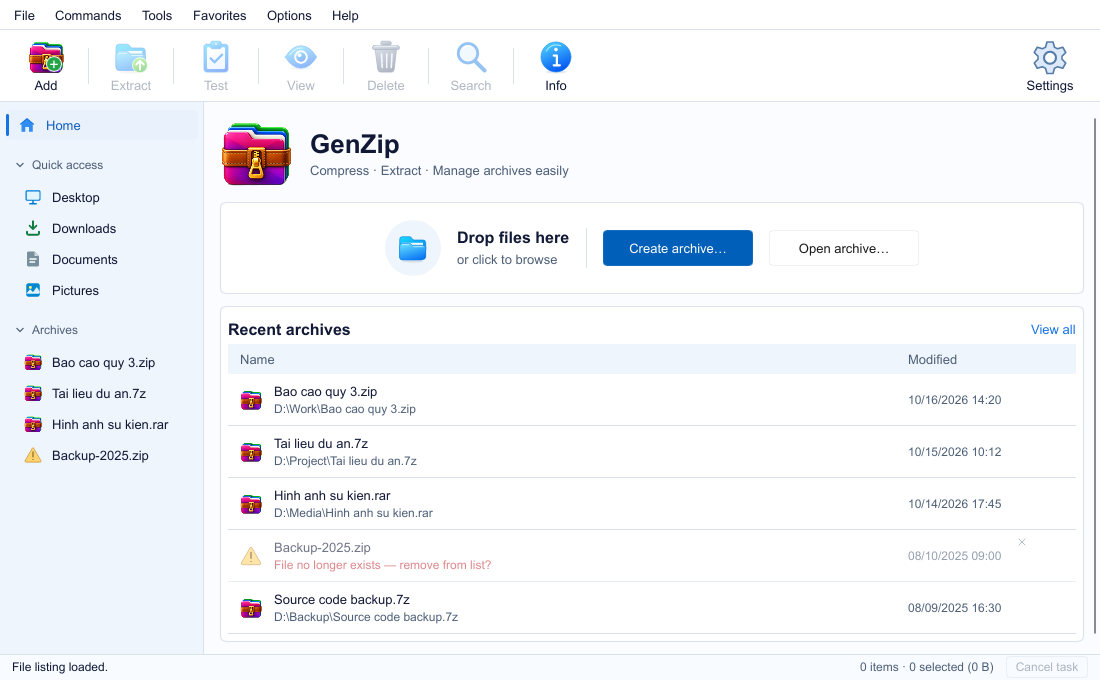
Most of us only need a few things: open a downloaded archive, pull out a few files, zip a folder to send it. GenZip is built for exactly that, with a compact Windows-style interface, Vietnamese and English, and light or dark themes.
GenZip does not reinvent compression. All compression and extraction is done by the official 7-Zip 26.05 engine, so speed and compatibility are on par with 7-Zip. GenZip takes care of the interface, safety and everyday conveniences. Real measurements are on the Speed page.
What’s in 0.9
- Opens almost any archive: ZIP, 7Z, RAR/RAR5, TAR, GZ, BZ2, XZ, ZST, ISO, CAB, WIM, split
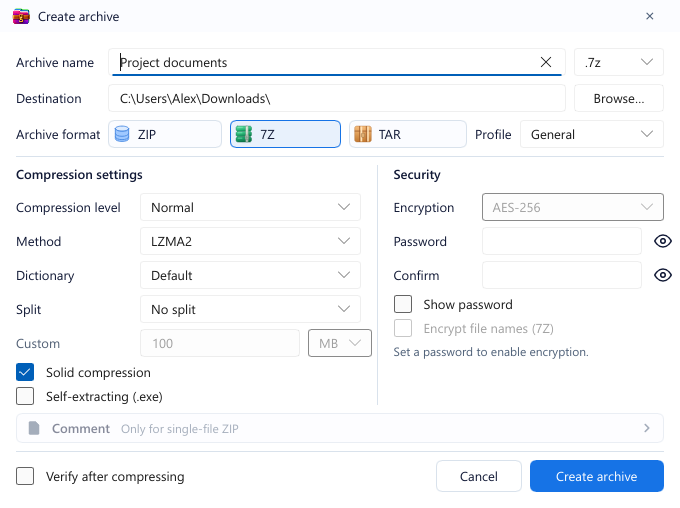
.001files. - Creates ZIP, 7Z and TAR with built-in profiles (General, Maximum compression, Fast, Store), split volumes, AES-256 encryption and self-extracting
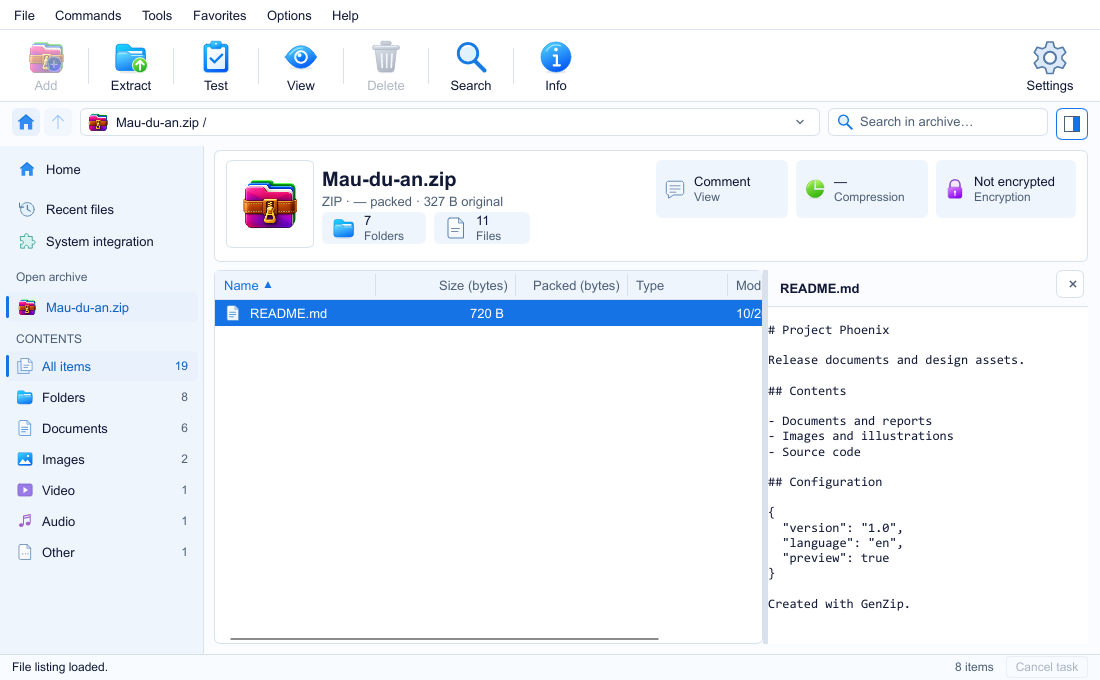
.exefrom 7Z. - Preview images and text inside an archive (F3) without extracting.
- Edit open archives (ZIP, 7Z, TAR): add, delete, rename, drag files into the window.
- Real pause, run in background, and a task queue when you start several jobs in a row.
- Integrity test with an exportable
.txtreport. - Windows 11 right-click menu: extract here, extract to a folder of the same name, quick ZIP/7Z.
Private by default
No ads, no account, no tracking. The Microsoft Store build never connects to the network by itself; the Store handles updates.
When can I get it?
GenZip is awaiting release on the Microsoft Store. Once the official link is live, the button on the Download page will take you straight to the Store. There is no free-floating GenZip installer, so be careful with sites claiming to offer one.
Meanwhile, see all features or read the user guide.