
Compress and extract. Fast, clean, safe.
Open RAR, ZIP, 7z and many other formats. Free, with no ads and no data collection.
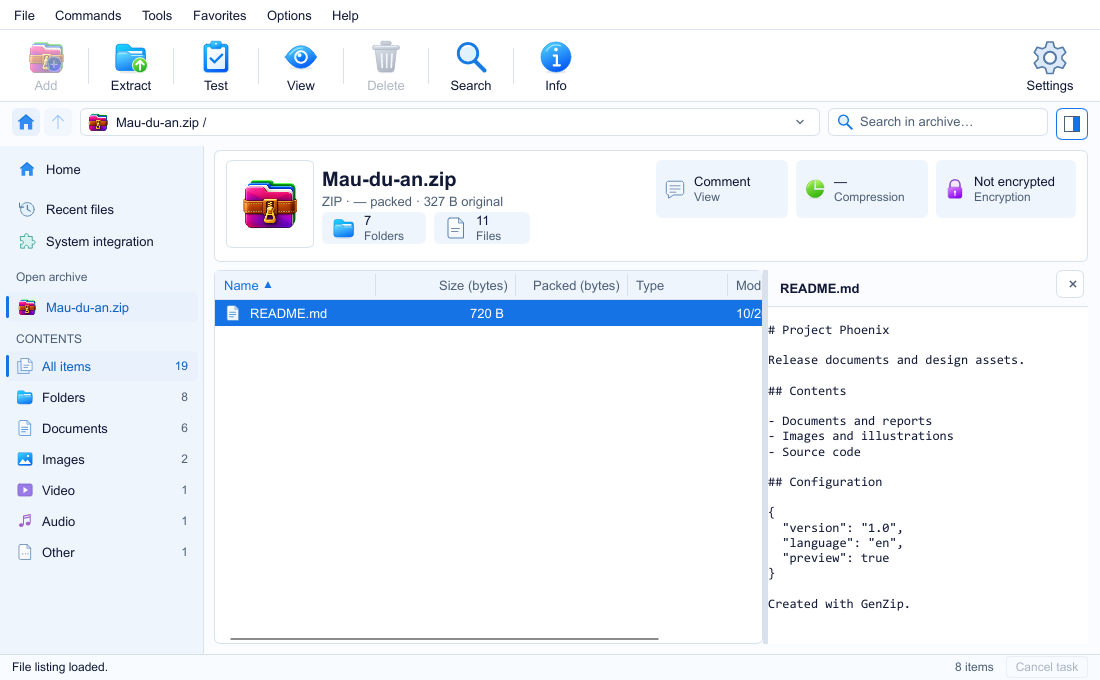
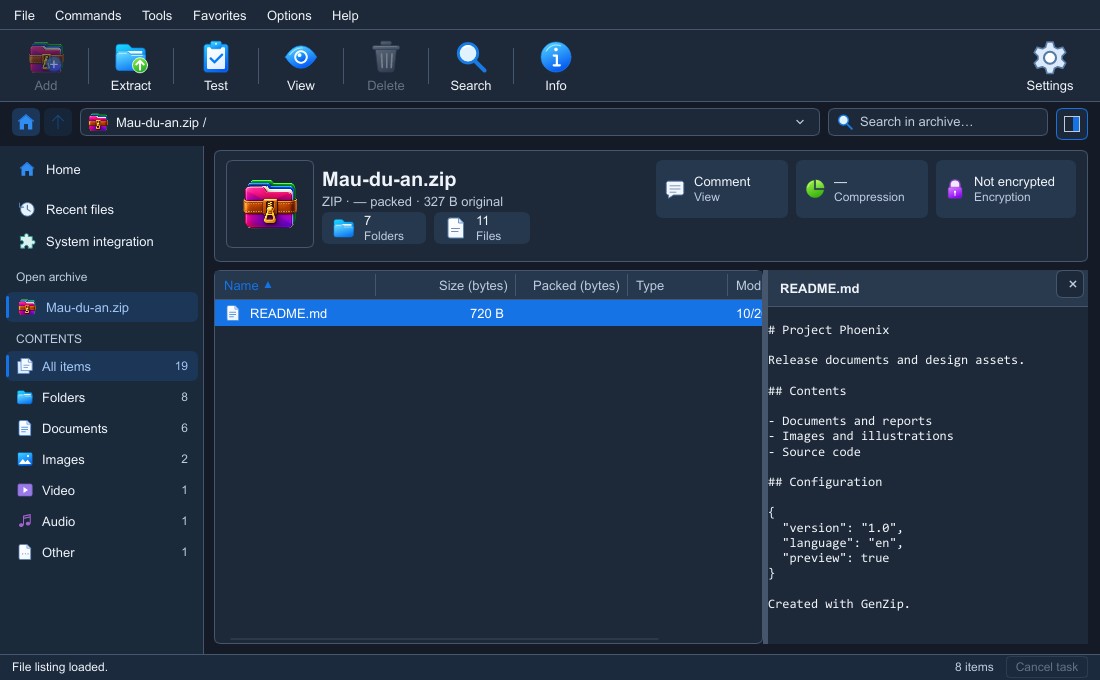
Everything you need. Simply uncluttered.
In control
Pause inside the engine. Queue tasks while an operation is running.
Safe
Blocks malicious paths. Protect your data with a password.
Familiar
Drag and drop, the right-click menu and a Windows interface.
One click. Job done.
Extract straight from the right-click menu. Choose where to save and how to handle duplicate files.
View the guide GenZip
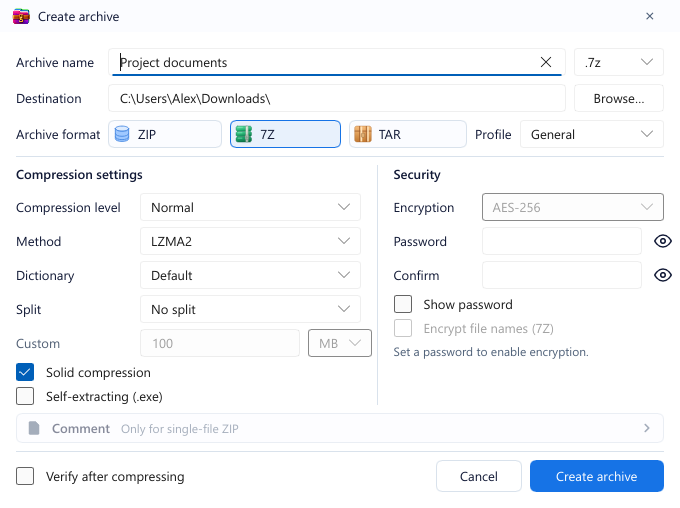
Save space. Keep it private.
Create ZIP, 7z and TAR with General, Maximum compression, Fast or Store profiles.
ZIP supports ZipCrypto or AES-256; 7Z supports AES-256 and hidden file names. Enable Verify after compressing to check the archive you just created.
Self-extracting .exe is available for 7Z only, without split volumes.
Preview and edit inside archives
Press F3 to preview images ≤ 20 MB or the first 64 KB of text. Add, delete and rename in ZIP, 7Z and TAR without recompressing existing data.
Drag files or folders into the window to add them after confirmation. Save locations to Favorites for quick access.
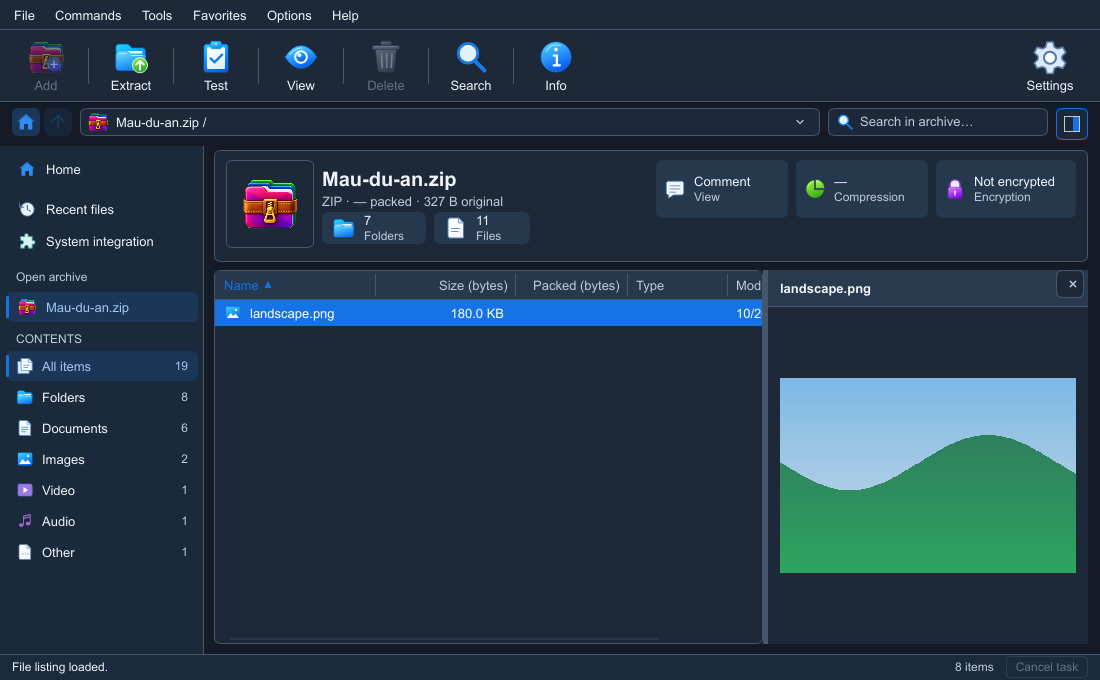
Explore features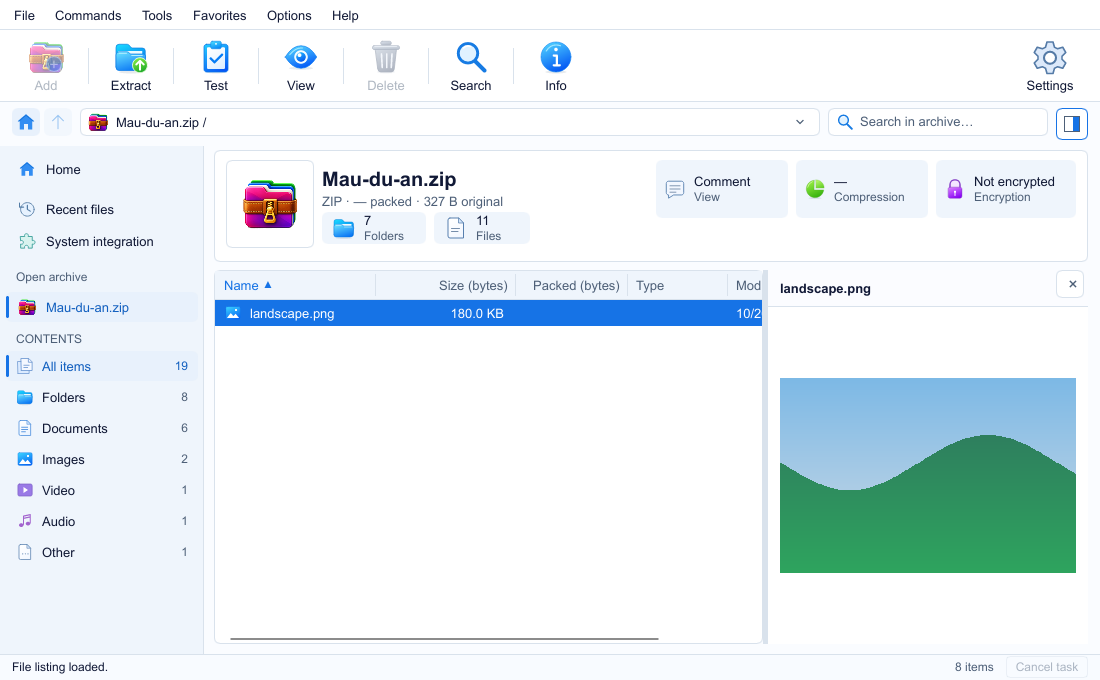
Neck and neck with 7-Zip
Same 7-Zip 26.05 engine — see real measurements
Your files. Always yours.
GenZip has no ads, collects no data and requires no account.
Make yourself at home.
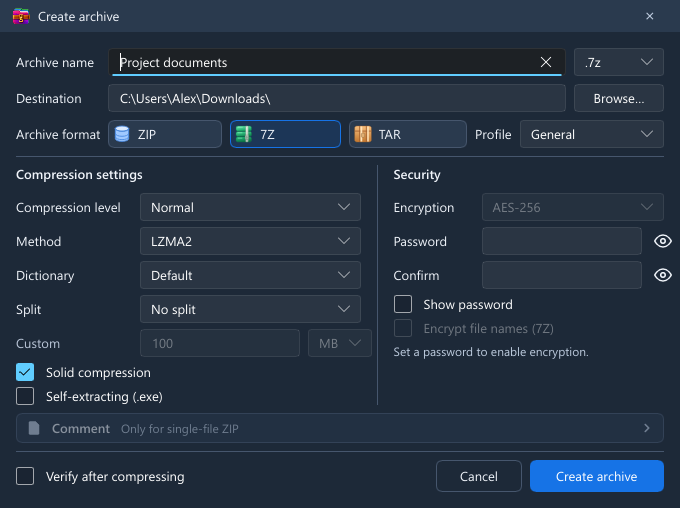
System, Light or Dark. Choose an accent color and icon style in Settings.
- Blue
- Indigo
- Purple
- Pink
- Red
- Orange
- Amber
- Green
- Slate
You might be wondering
See all questionsIs GenZip really free?
Yes. GenZip is free and has no ads.
Can GenZip create RAR files?
No. GenZip only reads and extracts RAR archives; it can create ZIP, 7z and TAR files.
Where do I get GenZip?
GenZip is coming soon to Microsoft Store, its only distribution channel. Updates will be provided by Microsoft Store.
Ready to try GenZip?
Smaller archives. A smoother workflow.
Enjoying GenZip? Support the author