
Install from Microsoft Store
GenZip is distributed through Microsoft Store. Use the GenZip Store page to install it; Microsoft Store also provides updates.
First run
- Open GenZip from the Start menu.
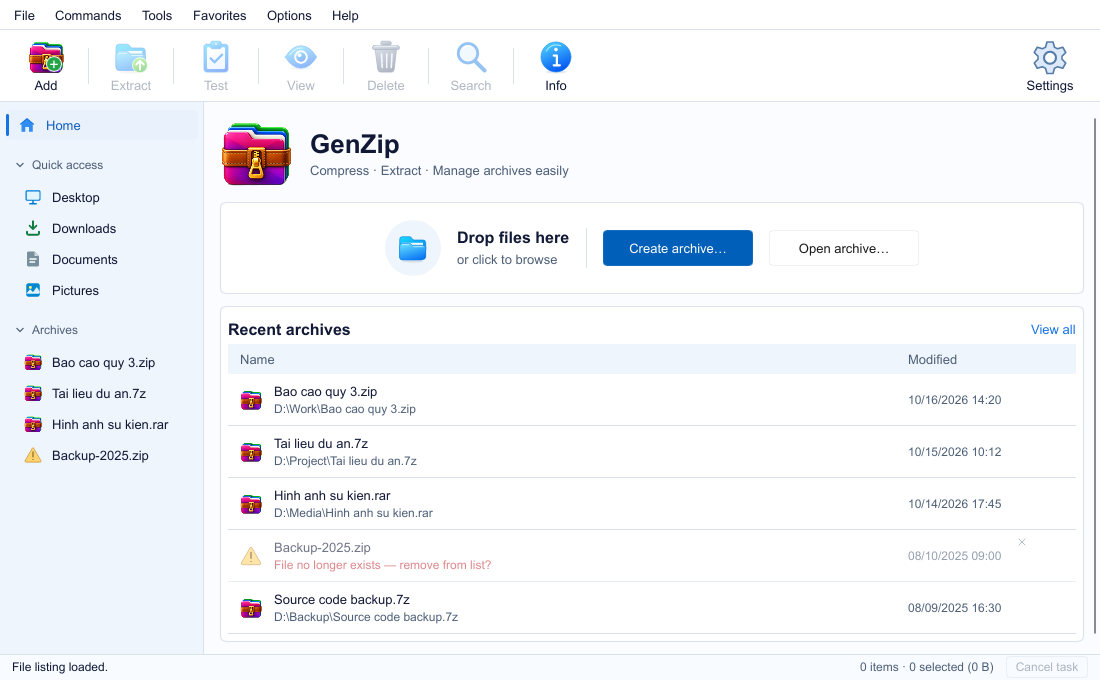
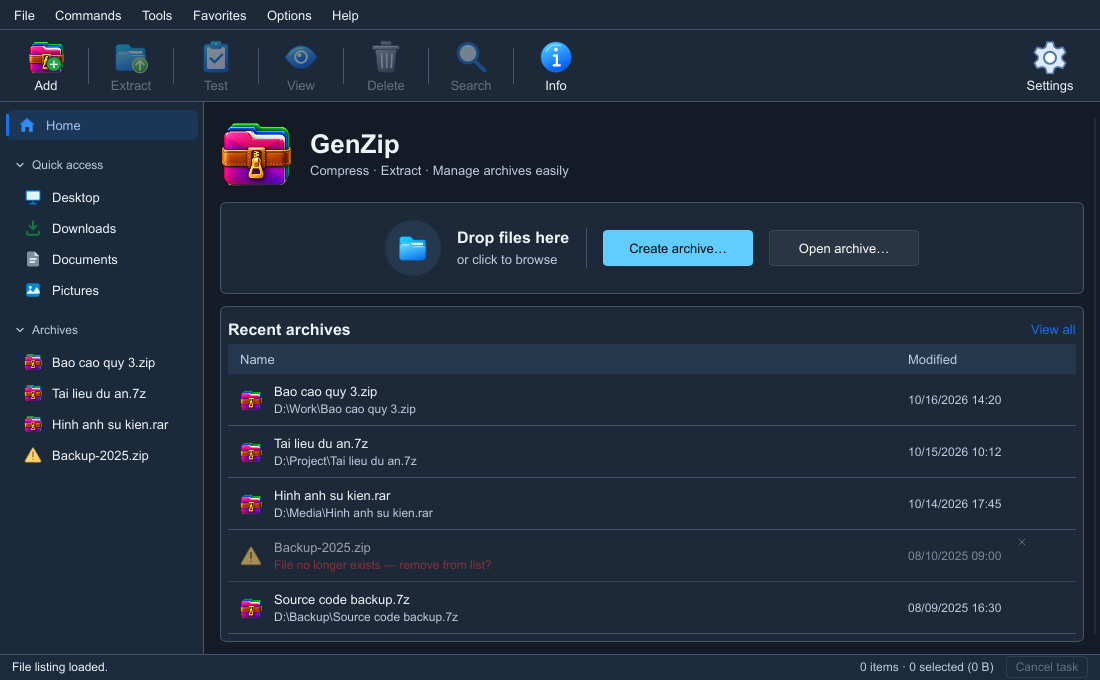
- On Home, drop an archive onto the selection area or click to choose a file.
- Use Create archive… to create ZIP, 7Z or TAR, or Open archive… to browse an existing archive. Recent files lets you reopen files you have used.
Right-click menu and default app
The right-click menu and file associations are included in the Store package. Options → Settings… → Integration says Managed by Windows for the Microsoft Store build.
To choose GenZip as the default app for a format, open Windows Settings → Apps → Default apps. Windows does not let apps make themselves the default.
See the commands in the right-click menu guide.