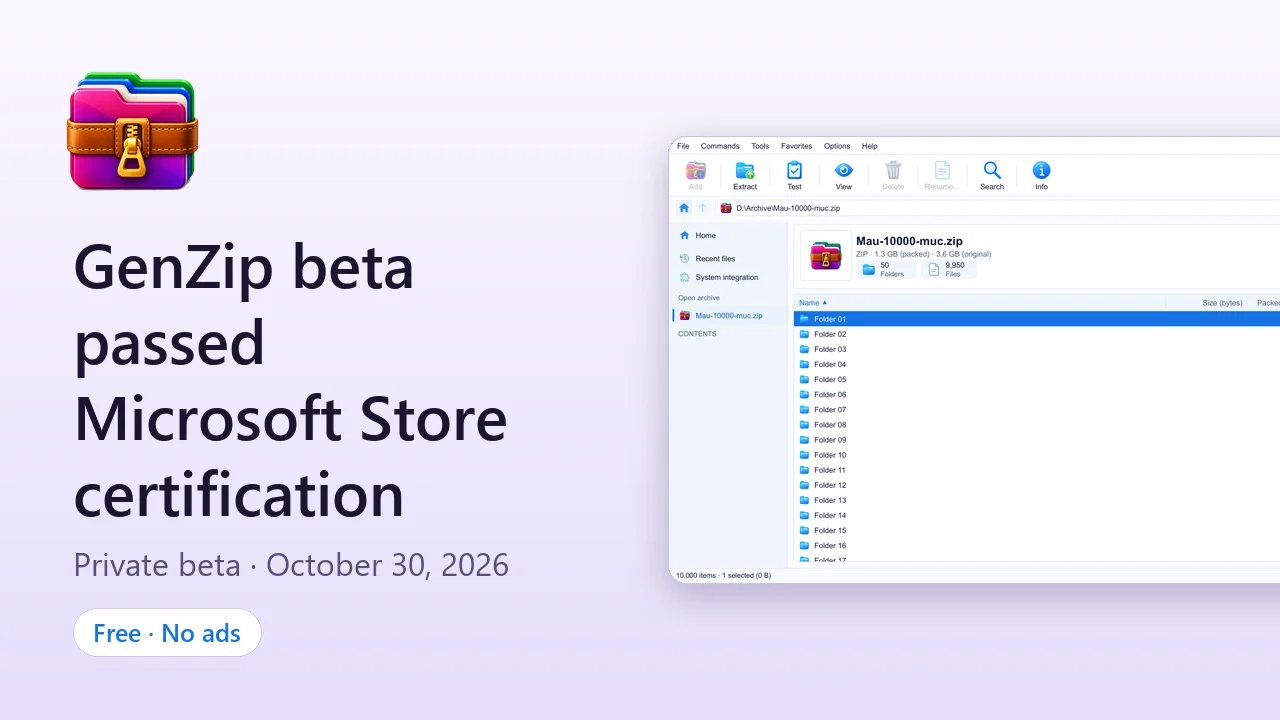
GenZip 0.9.0.0 beta passed Microsoft Store certification on October 30, 2026 and was published at 18:48 Vietnam time. This is the first step toward bringing GenZip to users through its only official channel: the Microsoft Store.
What does private beta mean?
This release is a private beta on the Microsoft Store:
- Only Microsoft accounts on the GenZip Beta list can see and install GenZip.
- GenZip cannot be found publicly in Store search yet. That is why the Download page still says “Coming soon to Microsoft Store”.
- When GenZip goes public, the download button on this site will lead straight to the Store page.
Want to try it?
- Email info@tientv.com with the email address of the Microsoft account you use on your Windows PC, so it can be added to the test list.
- Sign in to the Microsoft Store app with that same account.
- Use the button below to open GenZip in the Microsoft Store app and install it.
Open GenZip in Microsoft Store Backup link (browser)
Private beta: only accounts on the test list can see and install GenZip. The apps.microsoft.com web page may say “not found” even if you are on the list; open it in the Microsoft Store app instead (the first button).
Requirements: Windows 10 version 1809 or later, 64-bit (x64), or Windows 11.
What’s in the beta
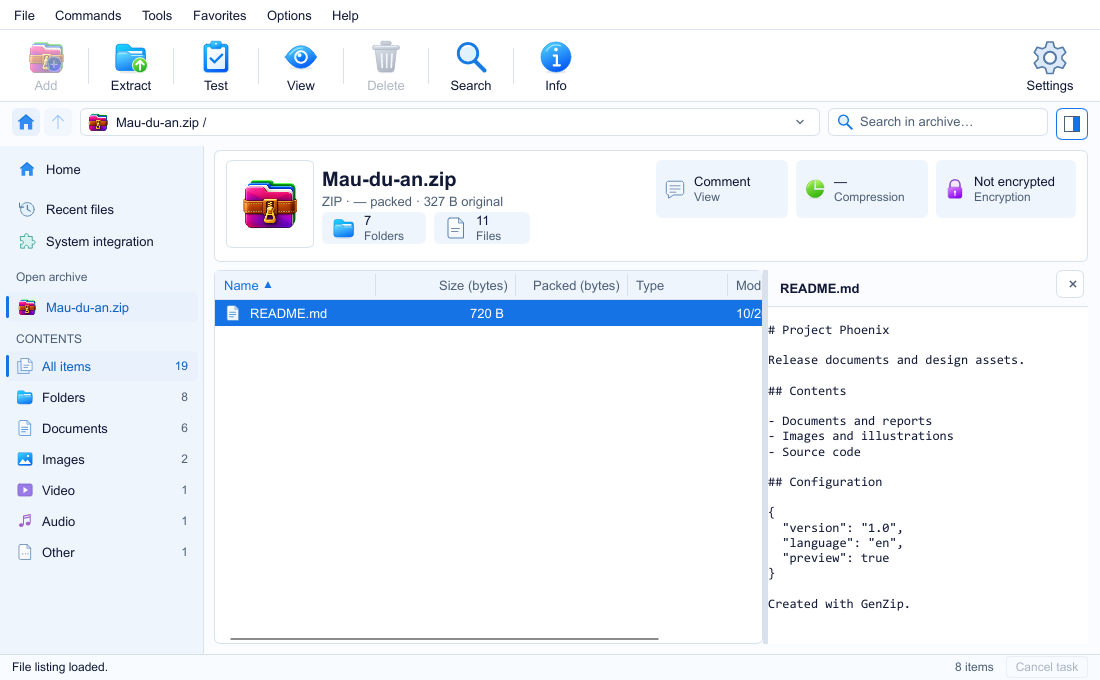
- Open and extract ZIP, 7Z, RAR, TAR, GZ, BZ2, XZ, ZST, ISO, CAB, WIM and multi-volume archives.
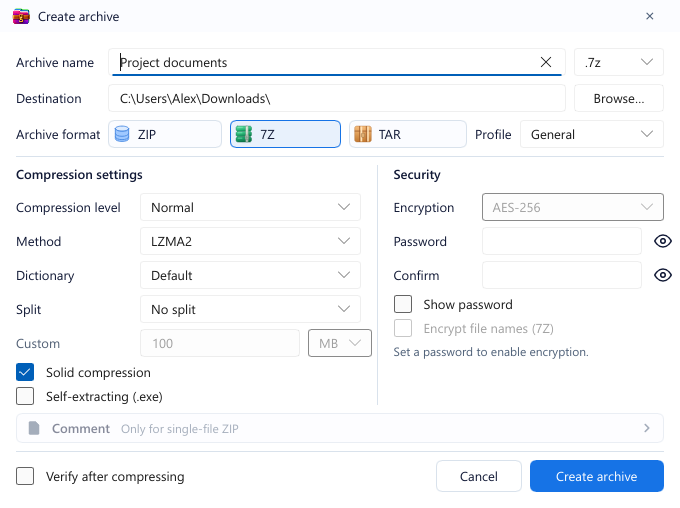
- Create ZIP, 7Z and TAR: compression level, solid mode, volumes, AES-256 encryption and encrypted file names for 7Z.
- Edit inside an archive: add, delete, rename, and drag files into the window.
- Preview images and text without extracting.
- Test archive integrity.
- Pause, run in the background and follow progress right on the taskbar.
- Right-click commands in File Explorer.
- Light and dark themes, English and Vietnamese.
- Safe extraction: blocks dangerous paths and keeps Windows’ Mark of the Web.
See the full list on the Features and Release notes pages.
Speed
GenZip uses the official 7-Zip engine, so compression and extraction speed is on par with 7-Zip, not faster. For editing an existing archive, the beta is 2.2–5.4× faster than the previous GenZip build on a 400 MiB archive. Detailed numbers and methodology are on the Speed page.
Free, no ads
GenZip is free, has no ads and collects no personal data. The publisher on the Store is Dạ Trư. Compression and extraction are handled by Igor Pavlov’s 7-Zip engine, under the LGPL license.
If you run into a bug or have feedback while testing, send it to the same email address. Thank you for trying GenZip!